
Check artist mapping, credits and Profile Protection access after Spotify’s October update, with a practical release audit for artists and small labels.
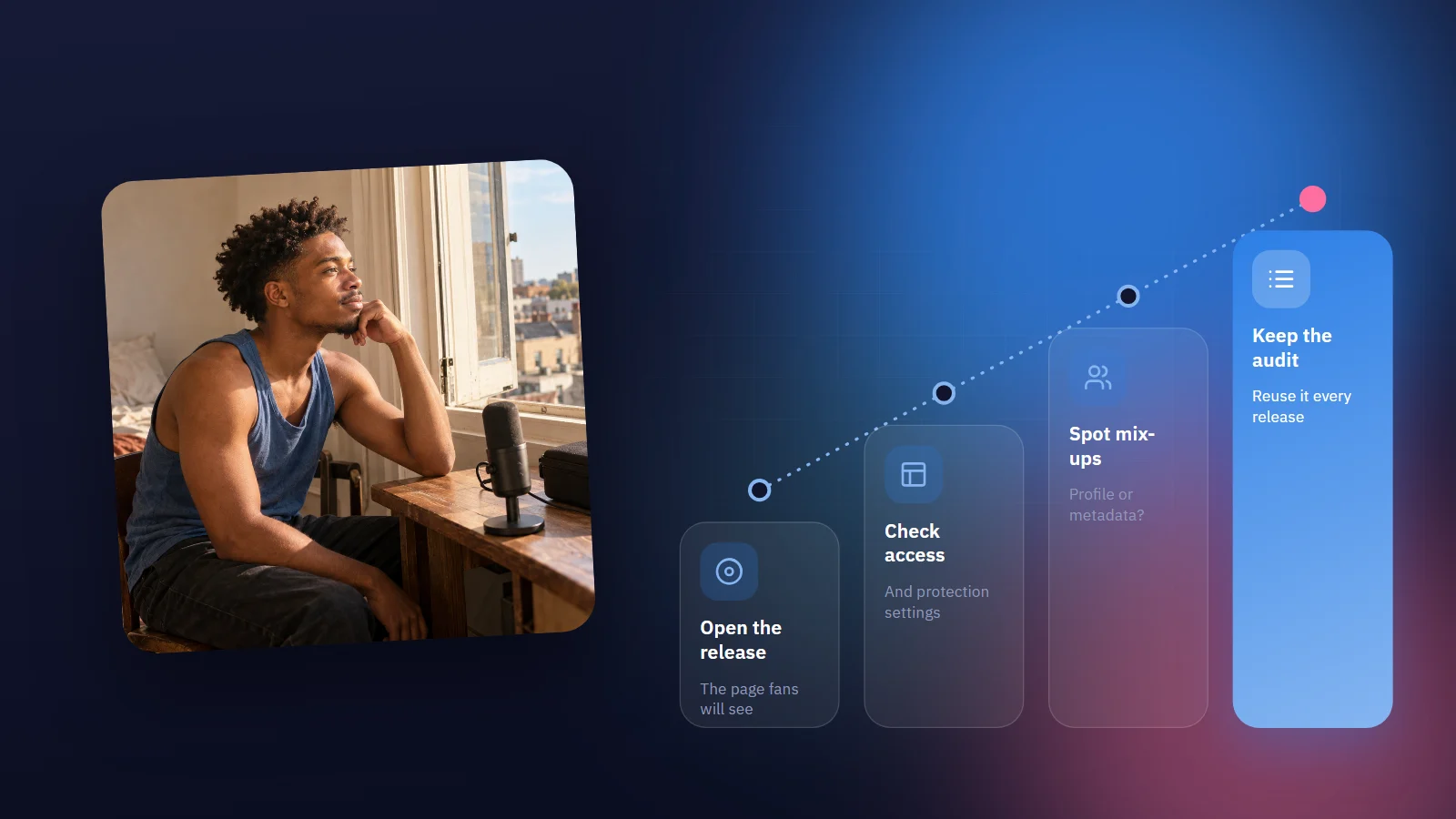
Check the artist URL, the delivered recording and the credits before sending listeners to a new release. Spotify's October update makes that housekeeping timely, but a product announcement is not proof that a feature is available in your account.
On 20 October 2026, Spotify published an update on its work against spam and impersonation. It said Artist Profile Protection was still in beta and that it planned to make it available to all artists by the end of the year. That is a rollout plan, not universal access today. Read Spotify's announcement.
This audit gives an independent artist or small label one concrete outcome: a record of which release belongs on which profile, what needs correcting, and who will check the result. It is a release-readiness exercise, not a route to guaranteed verification, recommendations or streams.
Start with the release people will actually open
Choose one upcoming release. Collect its exact title and version, artist profile URL, distributor release reference and identifiers already assigned to it. Use the artist URL as well as the name: two performers can share a name without sharing a profile.
Open the artist page through the link in your campaign, then open the release when it is available. Check the artwork, artist link, track list and credits against your own delivery record. Do this from the fan-facing link, not only from an internal planning screen.
For an unreleased recording, record what you can confirm in Spotify for Artists and what remains pending. A page that is not public yet cannot pass a public listening check. Give that check an owner and a time after release.
Keep three states separate:
- Submitted: someone requested the correct details.
- Accepted: the provider acknowledged the delivery or correction.
- Verified: the intended destination now shows the correct details.
Use those words in your release notes. A support ticket number belongs in the first two states until somebody checks the result.
Check access and understand the protection setting
Spotify's help page, checked 24 October 2026, still describes Artist Profile Protection as a limited beta. It says to look for the feature in the avatar menu in Spotify for Artists; if it is absent, access has not reached that account.
The setting matters. In the default Review mode, a release goes live unless you remove yourself from it. The separately limited Block option requires approval for a release to go live with you credited. The help page lists artist-team Admins and Editors for turning protection on. Check the current access and settings guidance.
Record the mode you actually see. Do not treat “protection enabled” as evidence that every delivery is held for approval. If a team uses Block, assign someone to review legitimate releases before their dates. Changing a setting without assigning that responsibility can create a different release problem.
Separate a profile mix-up from a metadata correction
A release on the wrong artist page and a misspelled credit need different investigation.
For music attached to the wrong profile, Spotify points artist teams to its content-mismatch form. Its guidance also says unreleased deliveries can be reported and that participating preferred or recommended distributors can help with mapping and specified artist IDs. Report a profile mix-up.
For delivered details such as artist roles, titles, artwork, dates and credits, Spotify says the label or distributor must send corrected metadata. Editing your campaign notes does not submit that update. Check the metadata correction route.
Prepare a useful evidence packet: the affected URL, intended artist URL, release identifier, what is wrong, what should replace it and a dated screenshot. Keep account details and private support correspondence out of public promotional copy.
Keep identity, verification and AI credits distinct
These features answer different questions:
| Feature | What it concerns | Useful check |
|---|---|---|
| Artist Profile Protection | Releases associated with an artist | Is access present, and who reviews deliveries? |
| Verified by Spotify | Spotify's authenticity review | Does the public profile accurately represent the artist? |
| AI Persona badge | The artist's public identity | Read the identity guidance before making a declaration. |
| AI credits | Specific generated contributions to a recording | Ask the distributor what it can submit. |
Spotify's verification guidance considers sustained audience activity, policy compliance and profile authenticity. Review happens over time; meeting criteria does not guarantee immediate approval. Treat a missing badge as a status to understand, not evidence that another artist is fake. Read the verification criteria.
An AI Persona label concerns public identity. Spotify distinguishes a photorealistic AI-generated persona from a real person using AI tools, and from a stage name or a fictional character that is not such a persona. Do not infer identity status from an illustrated album sleeve. Read the AI Persona guidance.
AI credits describe particular roles in the music, such as generated vocals or lyrics. Spotify says they are in beta, submitted through participating distributors and currently visible on mobile. They are separate from an artist-profile badge. Check AI credits and distributor availability.
Copy this release audit into your working notes
The following worksheet is an editorial planning tool. It does not certify a release or change any platform settings.
| Check | Evidence to keep | Owner and next action |
|---|---|---|
| Correct artist destination | Exact profile URL opened from the campaign | ___ |
| Correct release and version | Title, identifiers and delivery record | ___ |
| Correct public presentation | Artwork, artist links and visible credits | ___ |
| Protection availability | Actual account access and current mode | ___ |
| Correction in progress | Request reference and provider acknowledgement | ___ |
| Fan route checked | Shared URL, device and time checked | ___ |
| Final confirmation | What changed publicly, with the check time | ___ |
For a worked example, imagine a duo with a single arriving on the page of a different act with the same name. This is hypothetical, not a reported customer result. The duo records both profile URLs and the release identifier, reports the mismatch, and assigns one person to follow up. A distributor acknowledgement changes the task to “accepted”. It becomes “verified” only after the delivery appears on the intended profile and the campaign link opens the correct destination.
If delivery is still unresolved, make the campaign match that uncertainty. Review announcements that promise availability; do not quietly mark the release ready because the support request has been sent. Use the music release checklist to review the surrounding launch tasks.
Give the audit a place in your Playloudr campaign
Use the Playloudr music release planner to organise the campaign around the release. Keep the confirmed destination, responsible person and next check in your working plan, then recheck the actual listening route before promotion.
Playloudr helps organise the marketing work; distributor corrections and Spotify's identity decisions still need their own confirmation. A clear audit makes the next action visible, while the campaign gives fans a consistent route to the music.
*Source status checked 24 October 2026. The news announcement is dated 20 October. Feature access and rollout plans can change; follow the linked help pages and the controls actually available in your account.*
Sources and further reading
- Spotify: One Year In: Putting Human Artistry First · checked 24 October 2026
- Spotify Help: Protecting your Spotify artist profile · checked 24 October 2026
- Spotify Help: Music mixed up with another artist · checked 24 October 2026
- Spotify Help: Fixing problems with music metadata · checked 24 October 2026
- Spotify Help: Verified by Spotify · checked 24 October 2026
- Spotify Help: AI Persona badges · checked 24 October 2026
- Spotify Help: AI credits · checked 24 October 2026