
YouTube is testing cleanup options for some spam terminations. Keep a response record, understand deletion and check your artist-page links.

If your music channel receives a YouTube spam-cleanup notice, record the issue, deadline and available responses in desktop Studio. Keep evidence of each decision before changing the videos that your release campaign links to.
For musicians and managers, the useful preparation is a clear record of the channel’s videos, source files and next actions. Here is a response sheet you can make before a release campaign depends on an unresolved account problem.
What YouTube announced on 29 October
YouTube is testing a 30-day locked period for eligible channels facing termination for certain spam violations. Its 29 October announcement describes notification by email and desktop Studio, with uploads and comments unavailable while locked. This is an experiment, not a universal rollout; the notice does not specify countries or a subscriber threshold.

The options described are editing or deleting specific offending videos, deleting every uploaded video, or appealing a mistaken decision. Individual cleanup must pass review. Failing to resolve the issue within the window can lead to termination. Follow the actual notice before choosing a response.
Make one response sheet for the channel
Keep account access details private. The sheet below is an editorial workflow suggestion, not a YouTube submission form. Assign one person to coordinate it so that a manager, artist and video editor do not make conflicting changes.
| Field | What to record |
|---|---|
| Notice | Channel identifier, stated policy issue, date received and the deadline exactly as displayed |
| Affected content | Video URL, title and the specific concern identified in the notice or your review |
| Evidence | Original video export, thumbnail, description and any relevant production or permission records |
| Decision | Proposed response, reason and the person authorised to make the change |
| Submission | What was changed or submitted, when, and any confirmation reference |
| Outcome | Latest provider status, next check date and evidence of a resolved result |
Save a dated copy before each significant change. If the notice does not identify a particular video, record that gap instead of inventing a diagnosis. Use the stated policy issue to organise the review.
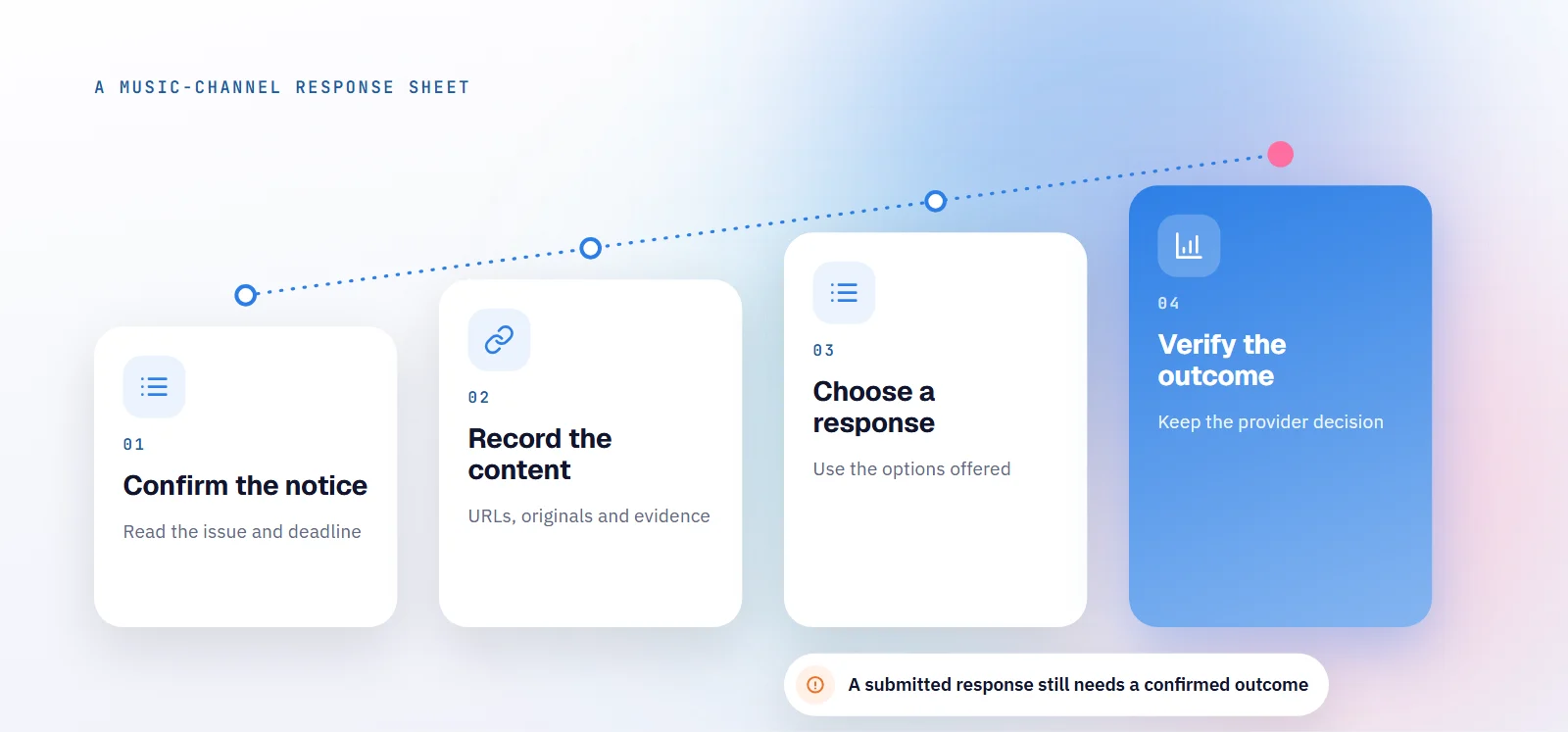
Track three separate counts: items reviewed, responses awaiting a decision, and issues confirmed resolved. Reviewed means someone checked the item against the notice and recorded the finding. Pending means an action was submitted without a confirmed outcome. Resolved requires evidence from the provider. These are administrative counts, not a channel-recovery success rate.
Understand deletion before using it
YouTube says deleting a video is permanent. Uploading the file again creates a different URL. That matters if an existing video is embedded on your artist page or linked from a release campaign.
Before making that decision, check your original files and record where the affected link is used. A backup preserves your media; it does not preserve the old YouTube URL. Do not assume you can download everything during an account restriction: YouTube’s download guidance excludes removed videos and videos with copyright or Community Guidelines strikes. Keep original exports as part of normal release preparation.
For a team, put an explicit approval against any proposed bulk deletion. The presence of a button does not settle whether that choice is appropriate for the catalogue.
Check promotion habits without inventing a posting limit
YouTube’s current spam policy covers videos, metadata, comments and other activity, including private and unlisted content. It distinguishes trying a few video variations from flooding the service with near-identical automated output. It also allows asking viewers to like, comment or subscribe while prohibiting artificial engagement schemes.
For a music campaign, use these checks:
- Does each title and thumbnail honestly describe the performance or excerpt viewers will receive?
- Are promotional comments relevant, rather than repeated across unrelated videos?
- Is each new version useful to a listener, with a clear creative purpose?
- Has anyone offered or bought engagement that needs investigation?
The policy does not give a universal safe number of promotional uploads. These questions help organise a review; they do not determine a policy outcome on YouTube’s behalf.
A fictional band example
Imagine a band called Harbour Signal preparing a live-session release. Its manager checks a full performance, a lyric video and two short excerpts. This is a fictional planning example, with no measured campaign results or assumed policy violation.
One short excerpt is labelled as the full live session. The manager records the mismatch, identifies who can correct the title and checks the band’s existing campaign links. The other videos each have their own purpose. Their number alone is not a reason to delete them.
If the band later receives an enforcement notice, this inventory gives it a starting point: known files, known links and a named decision-maker. It still needs to follow the specific notice and review outcome.
If your channel has a different termination notice
Use YouTube’s termination guidance to find the applicable review route. Its general Community Guidelines appeal process and copyright process are separate. Do not assume the cleanup experiment changes either one or extends a deadline shown to you.
YouTube also prohibits using or creating another channel to bypass a termination. Record the response through the appropriate support route and keep its confirmation; submitting an appeal is not proof of reinstatement.
Keep your artist page useful while you resolve the issue
Check the public links a fan will encounter today. If a video is unavailable, review its embed and make sure your current releases and other valid destinations are easy to find. Avoid promising that a restricted video will return on a particular date.

Playloudr artist front pages bring an artist’s bio, releases and links together. Use yours to check the listener journey from the public page, then keep unresolved channel work alongside the Academy release checklist. Playloudr organises that destination; YouTube decides channel enforcement and appeals.
Sources checked 30 October 2026. Recheck the experiment announcement and the notice in your own Studio before acting.
Sources and further reading
- YouTube: limited channel-cleanup experiment, announced 29 October 2026 · checked 30 October 2026
- YouTube: spam policy · checked 30 October 2026
- YouTube: permanent deletion and video URLs · checked 30 October 2026
- YouTube: downloading your own uploads and restrictions · checked 30 October 2026
- YouTube: channel terminations and appeals · checked 30 October 2026
- Playloudr: artist front pages · checked 30 October 2026