
Build a small video series around performance, lyrics, production, atmosphere and contrast, with a six-row shoot sheet and working listening routes.
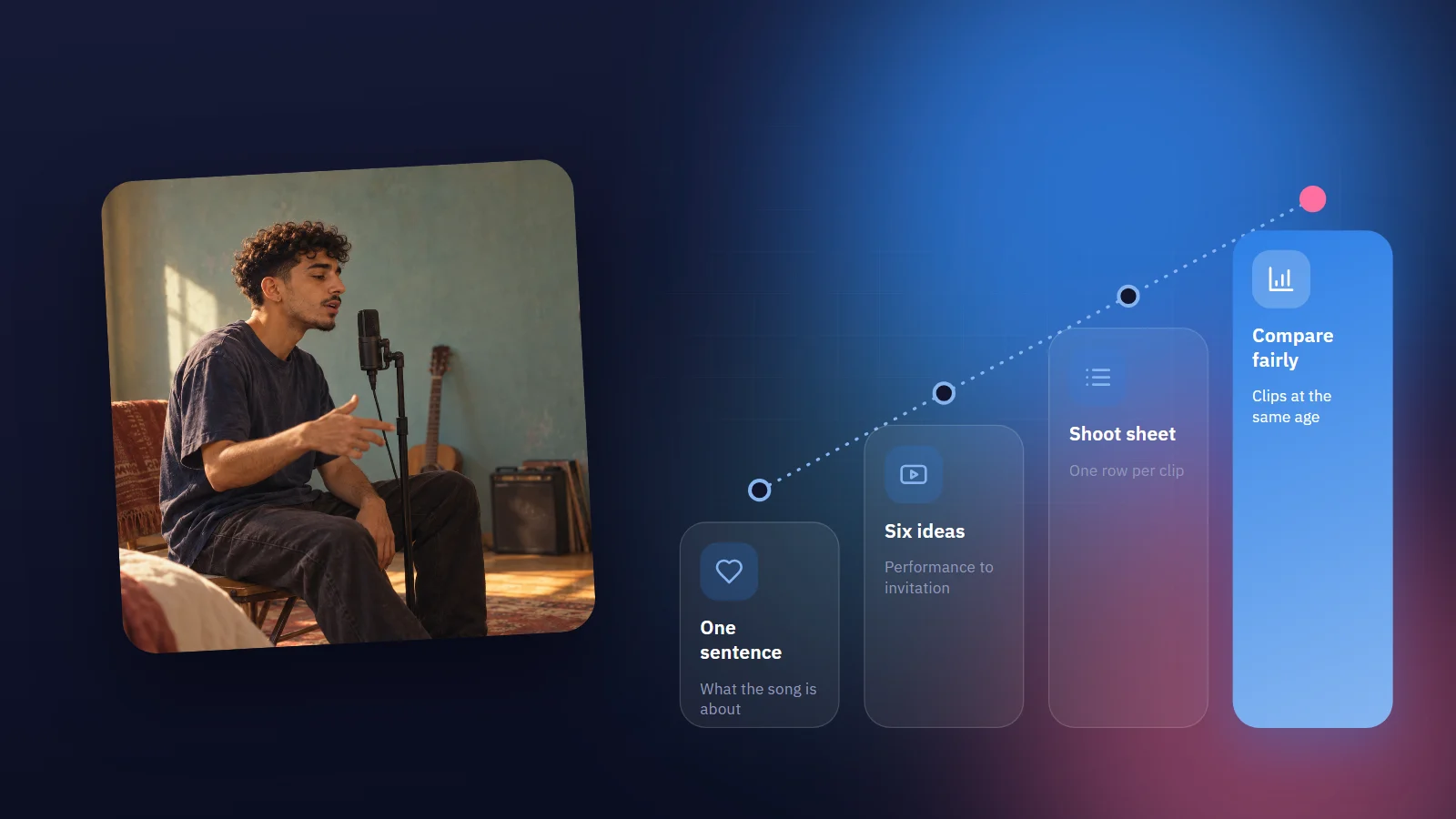
Turn one song into six short videos by giving each clip a different job: a performance, a lyric, a production decision, a scene, an alternate take and a clear invitation to listen. Use the shoot sheet below to choose the strongest ideas; you do not need to publish all six.
This is a practical creative plan for a musician with limited time, not a promise of reach. YouTube’s artist guidance encourages varied Shorts around a song and says there is no minimum posting cadence required for a video to have a chance to perform well. Read the artist guidance.
Start with one sentence about the song
Write what someone could notice or feel in this particular recording. “A late-night song about staying when leaving would be easier” gives you more direction than “an exciting new release”. Use your own description, not a genre stereotype.
Then choose two or three short passages that support it: a lyric, a musical turn and a distinctive sound. Write down their timecodes in the approved audio file. This stops the whole session becoming an endless search for the right chorus export.
Make a small asset tray: the audio, cover art, one usable performance angle, a close-up of an instrument or process, and a piece of location footage you have permission to use. More footage is optional. A coherent series can come from a small, intentional set.
1. The performance: let the song do the explaining
Open with the musical moment already happening. Show an actual performance, a rehearsal take or a deliberate visual treatment of the recording. Label an acoustic or live version accurately so viewers know what they are hearing.
The creative question is simple: what does this moment give a stranger without requiring a backstory? A vocal entrance, a rhythmic switch or the line where the meaning lands may do the job.
Avoid several seconds of release information before the music begins. Put the title and artist somewhere readable, then allow the performance space to work.
2. The lyric: make one line legible
Choose a line that can stand on its own. Pair it with a visual that adds meaning: an empty platform, a notebook, a hand resting on an unused instrument. Only use a scene if it belongs to the song's idea.
Keep the words readable on a phone. If the lyric needs two paragraphs of explanation, choose a different line or make a longer piece. Captions should clarify the content, not cover the subject or disappear under the app controls.
A useful check is to watch once muted and once without looking. The visual should make sense, and the audio should still have a reason to exist.
3. The production choice: reveal one decision
Show a real contrast: the vocal with and without a harmony, the first rhythm against the final rhythm, or a sound before and after one treatment. Explain the choice in a sentence.
Keep it honest. Do not invent a bedroom origin story for a professionally recorded song or describe a recreated session as spontaneous footage. An accurate small detail is more interesting than a dramatic claim you cannot support.
The payoff is the audible change. If the difference is too subtle on a phone speaker, choose a clearer example.
4. The scene: give the music somewhere to live
Make a short mood piece around a location, movement or object that fits the song. It can be as simple as changing light on a wall, a journey home or a carefully framed still image with restrained motion.
This clip earns its place by adding atmosphere. It does not need a second message layered over the music. Use footage you own or have permission to use; keep a note of where licensed assets came from.
5. The contrast: offer a new way into the same song
Use a stripped-back take, another instrument or a different passage. A listener who skipped the full-production chorus might connect with the quiet verse. Treat that as a creative hypothesis, not a claim about how an algorithm works.
Preserve the song's identity while making the difference audible. Keep the title consistent across the series, and identify alternate versions so the link to the released recording is clear.
6. The invitation: make the next step work
Choose the strongest excerpt from the session and give it one specific destination: the full video, the released song or the pre-save page if the music is still upcoming. Check that the destination matches today's release state.
For YouTube Shorts, a pasted URL in a description or comment is not clickable. Eligible channels can add a related video from their own channel; this needs advanced feature access, and the selected video must be public or unlisted. Test the actual viewer route rather than writing “link below” out of habit. YouTube's link rules and related-video instructions explain the options.
Build a six-row shoot sheet
Copy this before filming. A hypothetical quiet-to-loud song might use the soft verse as the alternate take, the first full-band entrance as the performance clip, and the backing-vocal contrast as the production clip. Those are three different payoffs from one recording, not three captions on the same edit.
| Clip | Viewer payoff | Audio timecode | One visual | Destination |
|---|---|---|---|---|
| Performance | Hear the defining moment | ___ | ___ | ___ |
| Lyric | Understand one memorable line | ___ | ___ | ___ |
| Production | Hear a real creative decision | ___ | ___ | ___ |
| Scene | Feel the song's atmosphere | ___ | ___ | ___ |
| Contrast | Discover a different musical entry | ___ | ___ | ___ |
| Invitation | Find the complete song | ___ | ___ | ___ |
Film related shots together. Check framing, lyric readability and caption placement in each destination’s actual phone preview, because controls and crops differ. Watch a muted pass too. Keep a clean master file and make the platform-specific crop from that, rather than repeatedly exporting an already compressed copy.
Stop and revise a clip if its musical moment is unclear, its words are hidden by controls, or its next step sends people to an unavailable recording. Keep an alternate take in reserve when it adds no new reason to watch.
Schedule a series you can learn from
Spread the clips across a realistic period for your audience and your workload. Give each a clear identity in your calendar so you can connect it to the right file and destination. Six ideas are a set of options, not an obligation to publish every take.
Compare clips at the same age
YouTube’s August 2026 explanation distinguishes a view counted from the first frame from an engaged view involving a click to watch or watching past the initial seconds. Do not mistake the larger starts count for people hearing the whole song. Read YouTube’s current explanation.
Choose one review window before posting, such as each clip’s first 72 hours. This is a working convention, not an algorithm rule. Record the platform, clip length, views, engaged views where available, and the listening-destination actions you can actually observe. Compare within the same platform and keep the metric definitions attached.
A clip posted to an established audience at a different time is not a controlled comparison with a new clip. Record those differences. Use a promising result to choose the next creative question, not to declare a format universally better. A service-button click still does not establish a stream.
Save what the session taught you: which musical moment held attention, which visual was clear and which destination people used. Put the selected posts alongside the release in your Playloudr content schedule, and check each network’s current publishing availability. Use the music release checklist to keep the clips aligned with the release state. The next batch should become easier because you learned something specific about this song.
Platform guidance checked 25 October 2026. The creative plan and 72-hour review convention are editorial suggestions, not reported campaign results.
Sources and further reading
- Shorts for artists — YouTube for Artists · checked 25 October 2026
- Sharing links with your audiences — YouTube Help · checked 25 October 2026
- Add a related video to your YouTube Shorts · checked 25 October 2026
- What are Engaged Views on YouTube? — YouTube Blog, 19 August 2026 · checked 25 October 2026