
Check the route from a Short to a full song, compare two opening ideas and use a practical worksheet to keep views, visits and listening evidence separate.
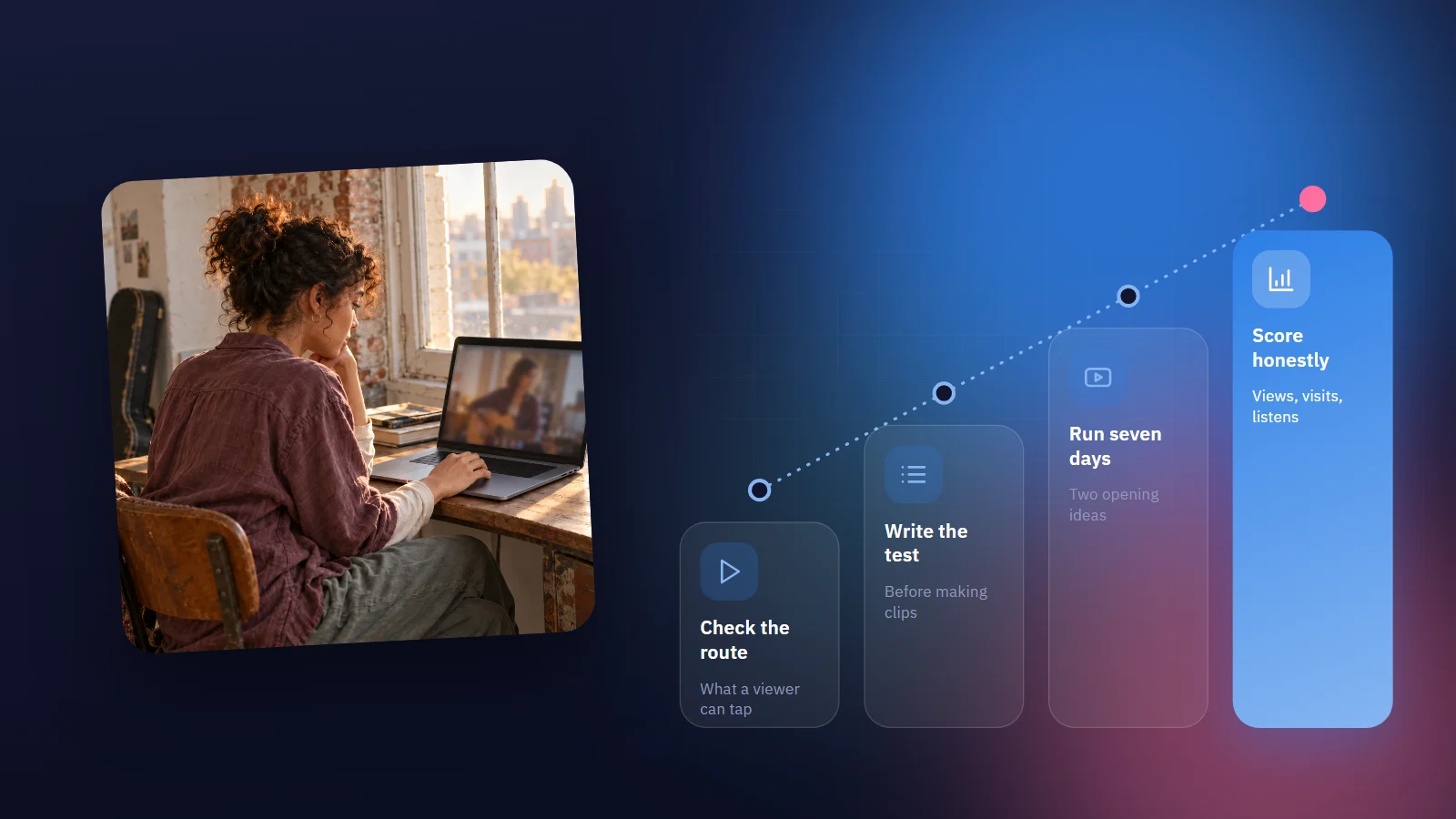
A useful YouTube Short gives someone a reason to hear more and a working route to the full song. Start by checking that route, then test one creative change. A week of posting can reveal a broken handoff or suggest a better hook; it cannot prove that a Short caused every new stream.
This seven-day plan is an editorial test proposal, not a report of measured campaign results. It suits an independent artist with one released song and a full performance, visualiser or music video on their own channel. If that destination is missing, fix it before filming another batch of clips.
Check what a viewer can actually tap
YouTube says URLs in Shorts descriptions and comments are not clickable. Channel profile links and the related-video link offer different routes. External links in long-form descriptions require advanced feature access. Check the current YouTube link rules before writing an on-screen instruction that sends viewers somewhere they cannot tap.
The related-video feature connects a Short to a video from the same channel, including a Video, Short or Live. It requires advanced feature access, and the selected destination must be public or unlisted. In YouTube Studio, open the Short, choose the related video and save. Check the resulting link as a viewer, not just in the editor.
Choose a destination that fulfils the promise of the clip. A chorus teaser should lead to that song. A production detail might lead to the complete performance that lets someone hear the detail in context. Sending every clip to an unrelated channel trailer makes the next step harder to understand.
Write the test before making the clips
Choose one question small enough to answer honestly. For example: does opening with the chorus create a more useful listening journey than opening with a short explanation of the lyric?
Keep the recording, destination and requested next action consistent. Change the opening idea. Use distinct edits that make sense as posts, rather than repeatedly uploading identical footage. Keep a note of posting times and any outside promotion. Those differences can affect the result even when the music stays the same.
Organic distribution is not a randomised experiment. A larger view count can reflect who saw the clip and when, as well as the hook itself. Treat a promising difference as a reason for a second test, not an announcement that you have discovered a universal winning formula.
| Decision | Write down before posting | Why it matters |
|---|---|---|
| Listener promise | What someone will hear or learn | Keeps the opening relevant to the song |
| One change | Chorus first or lyric context first | Prevents several changes hiding the cause |
| Destination | The exact full-song video URL | Makes the handoff repeatable |
| Primary observation | The same available watch or engagement measure for both clips | Prevents changing the success measure afterwards |
| Follow-through evidence | Destination traffic sources and watch time where available | Separates continued watching from a Short view |
| Review point | Equal time since each clip was posted | Avoids comparing a new clip with an older one |
| Decision rule | Repeat, repair the route or collect more evidence | Makes an inconclusive outcome useful |
A seven-day working plan
Day one: walk the route. Open an existing Short on a phone, follow its related-video link and check the destination. Check the title, opening audio and availability. If you also offer a listening link in the full video's description, test that separately. Write down each step that requires another decision from the viewer.
Day two: prepare two openings. Use the same song and a similar clip length. One opening can start with the strongest musical moment; the other can make a specific promise about the lyric or sound. Both should make sense to someone who has never seen the artist before. Decide what stays constant before editing.
Days three and four: post and record context. Publish at times that are practical for your audience and workload. Record the actual times, video IDs, destination and any distribution outside YouTube. Use the same requested next action. Do not add paid promotion halfway through and compare the posts as if their conditions matched.
Days five and six: collect comparable observations. Look for a missing destination, a wrong recording, or a promise the full video does not fulfil. Record both clips after the same elapsed period. Leave unavailable analytics blank and label them unavailable. A zero should mean a reported zero, not a dashboard you could not access.
Day seven: choose the next useful action. If the route is broken, fix it before judging the creative. If one opening appears stronger on the measure chosen in advance, repeat that idea in another useful clip. If the audience or exposure is too small or too different, keep the result inconclusive. There is no need to manufacture a winner to justify the week.
YouTube describes Shorts discovery as depending on viewer personalisation and performance signals; it does not require a minimum posting cadence. This plan's week is a manageable observation window, not an algorithmic deadline. See its Shorts discovery guidance.
Keep the scorecard honest
Copy this table into a note or spreadsheet. Record the definition shown in your analytics for each measure, and compare the same definition and observation window. Do not combine raw views and engaged views as though they were interchangeable.
| Item | Clip A | Clip B |
|---|---|---|
| Opening idea | Fill in | Fill in |
| Posted at and timezone | Fill in | Fill in |
| Observation age | Fill in | Fill in |
| Primary measure and exact definition | Fill in | Fill in |
| Numerator and denominator, if using a rate | Fill in | Fill in |
| Destination evidence available | Fill in | Fill in |
| Outside promotion or unusual event | Fill in | Fill in |
| Route verified on phone | Yes or repair needed | Yes or repair needed |
| Next decision and uncertainty | Fill in | Fill in |
A tagged link in a clickable location can identify recorded landing-page visits from that placement. It cannot follow every person through every app or turn a music-service choice into a verified stream. If both Shorts use the same full-song destination, downstream visits may identify that shared destination rather than the individual Short. Keep that limitation in the notes.
For a wider campaign, use the music release checklist to keep the song, destination and dates aligned. If the journey continues to several streaming services, a music smart link can offer a useful choice. Measure the choice for what it is, then read actual listening in the music service's own reports.
What a useful result looks like
The strongest outcome may be an ordinary correction: the right video now opens, the first line makes the song's appeal clearer, or the next test has a narrower question. Keep the version that creates a coherent journey and earns enough evidence to warrant another attempt. Leave a record of what remains unknown. That is a better basis for the next release than a confident claim built on two incomparable view counts.
Sources and further reading
- YouTube Help: add a related video to your Shorts · checked 24 October 2026
- YouTube Help: sharing links with your audiences · checked 24 October 2026
- YouTube Help: Shorts search and discovery tips · checked 24 October 2026