
A release-day email has one immediate job: help someone who asked to hear from you find the new music. It does not need to retell your entire biography or fit every social link into one screen. Start with a clear announcement, give the song a little context and make the listening choice easy.
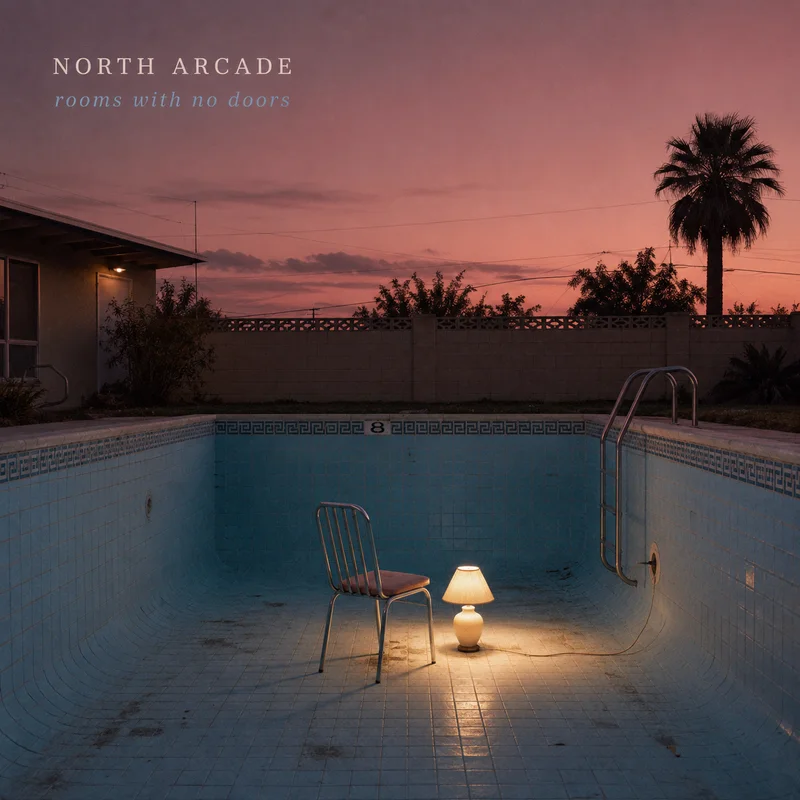
Check the listening destination before writing “out now”
Open the exact link you plan to send in a browser where you are not signed in. Does it show the new release? Can a fan choose a working streaming destination? A pre-save confirmation page is not the same as an available song.
A music Smart Link gives the email one main destination while letting fans choose a service. Keep that link useful after release day: people may read the message several days later.
A subject, a preview and one small story
The subject should identify the release or give a concrete reason to open. Try “Northern Lights is out now” before reaching for a vague announcement. The inbox preview can add context instead of repeating the same words: “The quiet song that became the loudest moment in the set.”
Inside, say what changed today, give one detail about the song and offer the listening link. A small, specific detail can do more work than a string of adjectives. Avoid invented scarcity, fake personalisation and claims about how every listener will feel.
A release announcement you can adapt
Subject: Northern Lights is out now
Preview: A late-night recording, finally ready to leave the room.
Northern Lights is out today.
The song started as a voice memo on the way home from a show. The final recording keeps that same restless feeling, with a chorus built for the journey back.
Listen on your favourite music service.
Button: Listen to Northern Lights
This is an illustrative template, not a real artist story. Replace the title and recording detail with something true about your release. Add the artist’s sender identity, business address and unsubscribe link.
The five-minute review
- The subject and first paragraph name the correct release.
- Artwork has descriptive alternative text, and the message still makes sense if images do not load.
- The listening button reaches the published page on a phone.
- Every selected recipient has recorded marketing permission; a download request alone is not treated as a newsletter signup.
- The audience fits the remaining email allowance. A send to 400 people uses 400 recipient emails.
- The sender name, reply address, postal footer and unsubscribe link are correct.
Read results in the order they happened
Start with delivery: how many messages were accepted, delivered, bounced or left needing review? Then look at recorded clicks and, where your listening page supports it, downstream activity. Use consistent campaign parameters on links so you can distinguish email traffic from social posts.
Open rates need context. Mail privacy features can preload email images, while scanners can generate clicks. Compare like-for-like campaigns and use these events as signals, not a count of confirmed human readers. Do not equate an email click with a stream.
Note what you would change for the next release: a clearer subject, a shorter opening or a better listening destination. One campaign rarely tells you which individual change caused the result.
Keep the release plan and the email together
Put the announcement on your release checklist alongside the listening page and artwork. Playloudr’s email workspace supports newsletter drafts, mobile previews, sender setup and campaign reporting. It is in early access, with public sending awaiting activation. Every eligible verified beta account has a 250-email monthly allowance shared across its artists, regardless of paid status.